
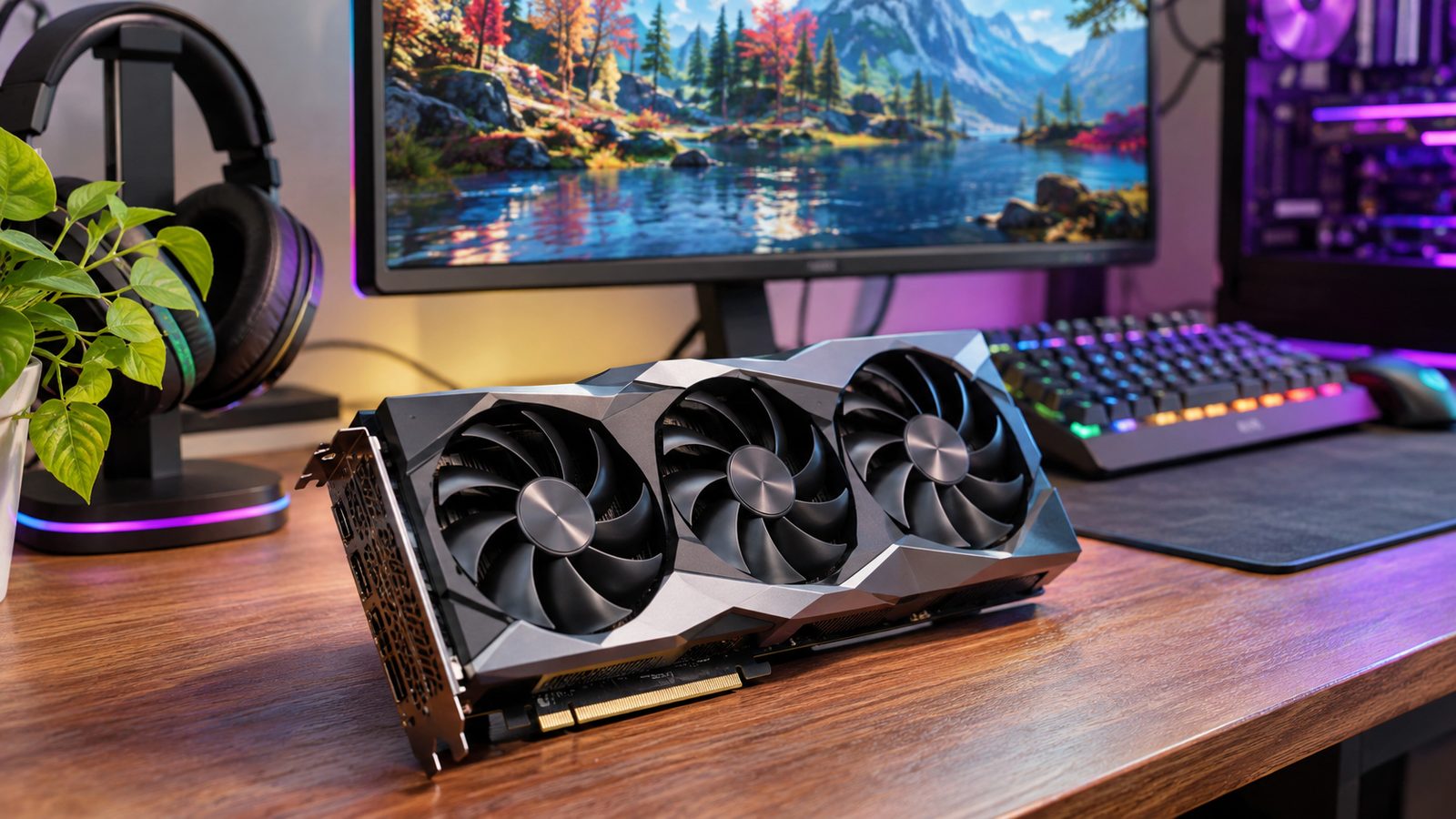
Finding the best budget GPU in 2026 is harder because U.S. street prices remain volatile. Intel currently offers the strongest value at the lower end. Nvidia and AMD become more appealing when discounts bring certain models closer to launch pricing. Quick answer: Intel’s Arc B570 is the strongest low-cost choice at current U.S. pricing. The Arc B580 is better if you want 12GB of memory and stronger 1440p capability. Nvidia’s RTX 5060 makes more sense for buyers prioritizing DLSS 4, ray tracing, and broad software support.
Budget Graphics Cards at a Glance
| Rank | Graphics card | VRAM | Best use | Good buy price |
|---|---|---|---|---|
| 1 | Intel Arc B570 | 10GB | Affordable 1080p gaming | Around $300 or less |
| 2 | Intel Arc B580 | 12GB | Value-focused 1080p and 1440p | Around $350 or less |
| 3 | GeForce RTX 5050 | 8GB | Entry Nvidia features | Around $350 |
| 4 | GeForce RTX 5060 | 8GB | DLSS 4 and high-FPS 1080p | Around $400 |
| 5 | Radeon RX 9060 XT 8GB | 8GB | Fast 1080p gaming | Around $400 |
| 6 | Radeon RX 9060 XT 16GB | 16GB | Budget-minded 1440p gaming | Around $450 |
| 7 | Radeon RX 7600 | 8GB | Clearance or sale builds | Below newer alternatives |
Prices are approximate as of late 2026 and change quickly, so these figures work better as buying thresholds than guaranteed retail prices. A card can be excellent hardware but poor value at an inflated price. Always compare several U.S. retailers before ordering.
1. Intel Arc B570: Best Choice for the Tightest Budget
The Arc B570 is our first choice for shoppers trying to stay near $300. Intel equips it with 10GB of GDDR6 memory and a 160-bit interface. Its official total board power is 150 watts. Recent U.S. price tracking placed the B570 near $290, making it unusually competitive. That price puts it below most current GeForce and Radeon alternatives. It is particularly attractive for 1080p gaming at sensible settings. You also get XeSS support, hardware ray tracing, AV1 encoding, and modern display outputs. Older games can still behave differently across Intel drivers. Check performance for your most-played titles before buying. Pros.
- 10GB of VRAM
- Strong price-to-performance potential
- AV1 hardware encoding
- XeSS support
- Reasonable power requirements
Cons.
- Game compatibility can vary more than Nvidia
- Stock can fluctuate
- Not ideal for demanding native 4K gaming
2. Intel Arc B580: Best Value When 12GB Matters
The Arc B580 steps up to 12GB of memory and a wider 192-bit interface. Intel originally positioned the card at a $249 recommended price. Real U.S. prices have often been considerably higher. Around $350, the B580 still deserves consideration because its memory configuration is unusually generous. Twelve gigabytes provides more room for demanding textures than common 8GB competitors. That matters more as newer games increase memory requirements. TechRadar currently identifies the B580 as its leading affordable graphics choice. Recent coverage also highlights its capable 1440p performance. Buyers should still compare its current price against faster discounted alternatives. Pros.
- 12GB of VRAM
- Good entry-level 1440p capability
- Strong media engine
- Modern DisplayPort support
- Competitive raster performance
Cons.
- Pricing above MSRP reduces its value
- Driver behavior can vary by game
- Nvidia remains stronger for some creator applications
3. GeForce RTX 5050: Best Entry Nvidia Option
The RTX 5050 provides Nvidia’s current feature set at the lowest desktop tier. It includes 8GB of GDDR6 memory and current-generation ray-tracing hardware. Nvidia lists its starting price at $249. Actual U.S. pricing has been substantially higher in recent listings. Prices around $400 make the card difficult to recommend against Intel alternatives. It becomes much more interesting when sales move it closer to $300. Its main advantage is access to Nvidia’s software and gaming ecosystem. That includes DLSS technology, Reflex support, and broad game compatibility. Buyers who value those features may accept a modest price premium. Pros.
- Current Nvidia feature support
- 8GB memory
- Good software compatibility
- Suitable for mainstream 1080p gaming
Cons.
- Current retail pricing can be high
- Less memory than Intel’s alternatives
- Poor value when priced near RTX 5060 models
4. GeForce RTX 5060: Best for DLSS 4 on a Budget
Nvidia launched the RTX 5060 with an official starting price of $299. The card includes 8GB of GDDR7 memory and DLSS 4 support. Current U.S. retail listings can sit far above that launch figure. Recent price tracking has placed some models above $400. Nvidia’s marketplace has also shown partner cards considerably above the original starting price. That premium changes the value calculation. The RTX 5060 remains attractive for high-refresh 1080p gaming and supported ray-traced titles. DLSS can improve performance when games implement it effectively. Try to buy near $400 rather than chasing expensive premium coolers. Pros.
- DLSS 4 support
- Strong 1080p gaming capability
- Mature driver ecosystem
- Nvidia Reflex support
Cons.
- Only 8GB of VRAM
- Street prices can exceed MSRP sharply
- Premium versions offer weaker value
5. Radeon RX 9060 XT 8GB: Fast, but Price Matters
AMD introduced the 8GB RX 9060 XT with a $299 suggested price. It uses AMD’s newer Radeon architecture and includes 32 compute units. Total board power starts around 150 watts. The problem is current retail pricing rather than the underlying hardware. Paying well above $400 weakens its position against competing cards. An aggressive discount can quickly change that verdict. This model suits gamers focused primarily on 1080p performance. Eight gigabytes can still handle many games with appropriate texture settings. Long-term buyers may prefer the 16GB version when prices are close. Pros.
- Strong 1080p focus
- Moderate power requirements
- Modern AMD gaming features
- Good option during sales
Cons.
- 8GB limits memory headroom
- Pricing can exceed its original value tier
- The 16GB version can be a better long-term purchase
6. Radeon RX 9060 XT 16GB: Best Affordable 1440p Target
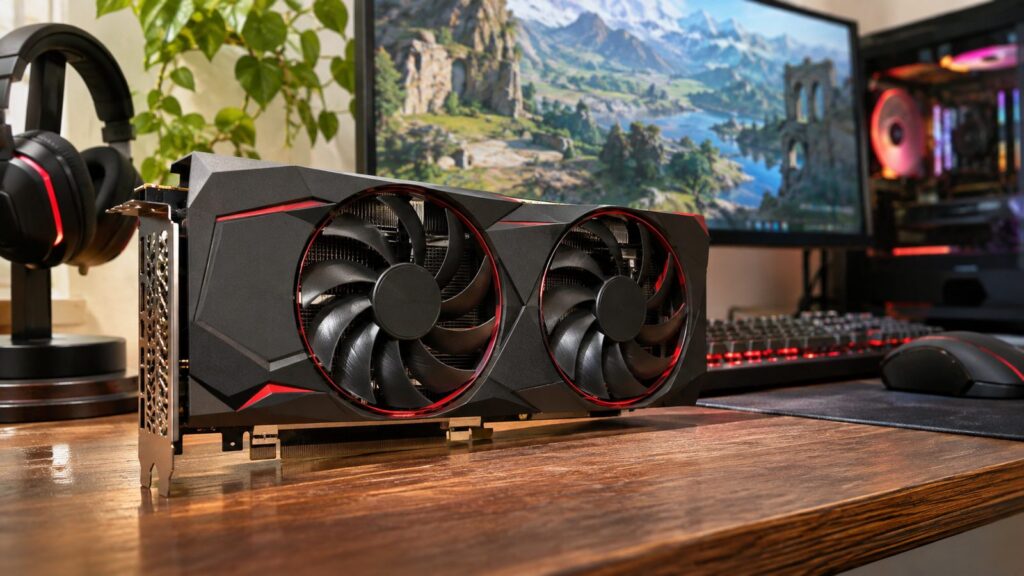
The 16GB RX 9060 XT is the most interesting Radeon option in this group. AMD launched it with a $349 suggested price. Its larger memory pool better suits demanding textures and 1440p gaming. AMD’s published performance data positions the card clearly around modern 1440p workloads. Third-party rankings also place it ahead of cheaper entry-level cards. Its value disappears when U.S. prices rise too far above launch pricing. Consider this model when you can find it near $450 or less. At significantly higher prices, stronger cards enter the conversation. Buying based on street price protects your budget better than following model names. Pros.
- 16GB of VRAM
- Better memory headroom for 1440p
- Reasonable 160-watt starting board power
- Stronger longevity than most 8GB options
Cons.
- Current pricing can be inflated
- Poor value at extreme markups
- Costs considerably more than Intel’s entry models
7. Radeon RX 7600: Worth Considering on Clearance
The RX 7600 is an older option, but clearance pricing can keep it relevant. It has 8GB of memory and targets mainstream 1080p gaming. Its age means the price must do most of the selling. Do not choose it simply because an older review calls it affordable. Newer cards now offer additional memory or improved features at similar prices. Compare the final checkout price before deciding. A heavily discounted RX 7600 can still suit an inexpensive gaming build. It also avoids paying for performance your monitor cannot display. Skip it when a B570 or newer Radeon costs nearly the same amount. Pros.
- Proven 1080p capability
- Often available from several board partners
- Can make sense during clearance sales
Cons.
- Only 8GB of VRAM
- Older than the leading alternatives
- Needs a significant discount to remain competitive
How We Chose the Best Budget GPU Options
We prioritized U.S. street pricing instead of treating MSRP as the purchase price. Recent pricing shows large differences between official launch figures and current listings. That gap can completely change which card offers better value. We also considered VRAM, target resolution, power requirements, and current gaming features. Third-party performance data helped establish the relative performance tiers. Manufacturer specifications were used for memory, power, and launch-price information. Our ranking does not claim private benchmark testing by TechAnta. It combines current market information with reputable published testing. That approach avoids presenting borrowed benchmark results as first-hand measurements.
How Much VRAM Should a Budget Graphics Card Have?
Eight gigabytes remains workable for many 1080p games in 2026. Ten or 12GB gives you more breathing room for demanding textures. Sixteen gigabytes becomes attractive for heavier 1440p workloads. Memory capacity alone does not determine performance. Architecture, bandwidth, game optimization, and processing power also matter. A slower 16GB card does not automatically beat every 8GB model. Still, extra memory can reduce future compromises in texture-heavy games. That makes Intel’s 10GB and 12GB options interesting at lower prices. AMD’s 16GB 9060 XT becomes compelling when its street price stays reasonable.
1080p or 1440p: Which Resolution Should You Target?
Most budget shoppers should prioritize 1080p if high frame rates matter most. It places much less rendering load on the graphics card. You can also spend more of your budget on other components. 1440p produces a sharper image but requires more processing power. Cards with 12GB or 16GB are easier recommendations for demanding 1440p games. Settings and upscaling can still make lower-cost hardware usable. TechAnta’s guide to 4K resolution and gaming explains how higher pixel counts increase rendering requirements. Budget hardware generally makes more sense at lower resolutions. Native 4K gaming usually requires a larger graphics budget.
Check the Rest of Your PC Before Buying
Confirm your power supply can support your chosen card before ordering. Check both wattage and the required power connectors. Older systems may also need additional compatibility checks. Intel Arc owners should pay particular attention to modern platform support and Resizable BAR. Your motherboard, processor, and firmware settings can affect the experience. New builders should plan the entire platform together. TechAnta’s DDR5 motherboard buying guide can help with current AMD and Intel platform choices. It covers sockets, chipsets, expansion, and memory compatibility. Those decisions matter when you are assembling a complete gaming system.
Do You Need VSync, FreeSync, or G-SYNC?
Your monitor affects how graphics performance feels during actual gameplay. A fast card cannot remove every display-related problem by itself. Screen tearing can still appear when frame output and refresh timing differ. Variable-refresh technologies can improve the experience when your hardware supports them. Traditional VSync can reduce tearing but may affect latency. Competitive players often prioritize responsiveness over perfect frame synchronization. TechAnta’s VSync guide explains these tradeoffs in more detail. It also covers 60Hz, 144Hz, and variable-refresh displays. Review those settings after installing your new card.
Final Verdict: Which Budget Graphics Card Should You Buy?
Buy the Intel Arc B570 when keeping the initial cost low matters most. Move to the B580 when 12GB and stronger 1440p potential justify the extra money. Both become weaker choices if limited stock pushes prices much higher. Choose the RTX 5060 when Nvidia’s software features matter more than maximum VRAM per dollar. The RX 9060 XT 16GB is the stronger 1440p target at a reasonable sale price. Avoid paying inflated prices simply because a model is newer. The smartest strategy is to set a maximum price before shopping. Compare several retailers and check the final cost after shipping. That approach keeps a budget purchase from quietly becoming a midrange expense.
Frequently Asked Questions
What is the best budget GPU for gaming in 2026?
The best budget GPU at current U.S. prices is the Intel Arc B570 for shoppers near $300. The B580 is stronger when extra VRAM matters. RTX 5060 buyers pay more for Nvidia’s software ecosystem and features.
Is 8GB of VRAM enough for 1080p gaming?
Eight gigabytes can still handle many modern games at 1080p. Some demanding titles may require lower texture settings. Buyers keeping a card for years may prefer 10GB, 12GB, or 16GB.
Is the Intel Arc B580 better than the RTX 5060?
The answer depends on price, game selection, and features. The B580 offers 12GB of memory, while the RTX 5060 has 8GB. Nvidia provides a broader DLSS ecosystem and mature software support.
Should I buy a graphics card with 16GB?
Sixteen gigabytes makes more sense for demanding 1440p gaming and longer ownership periods. It is not automatically worth a large price premium. Compare the complete card performance before paying for memory alone.
Is buying a used graphics card worth it?
A used card can provide strong value when the seller is trustworthy. Warranty coverage and return protection are usually weaker than new hardware. Test temperatures, stability, display outputs, and fan behavior whenever possible.
How much should I spend on a budget graphics card?
Current U.S. conditions make roughly $250 to $450 a practical shopping range. Prices above that begin overlapping with stronger midrange options. Set your target using street prices rather than launch pricing.
Can a budget card handle 1440p gaming?
Yes, but expectations and settings matter. The Arc B580 and RX 9060 XT 16GB are more suitable than basic 8GB options. Upscaling can also improve frame rates in supported games. —