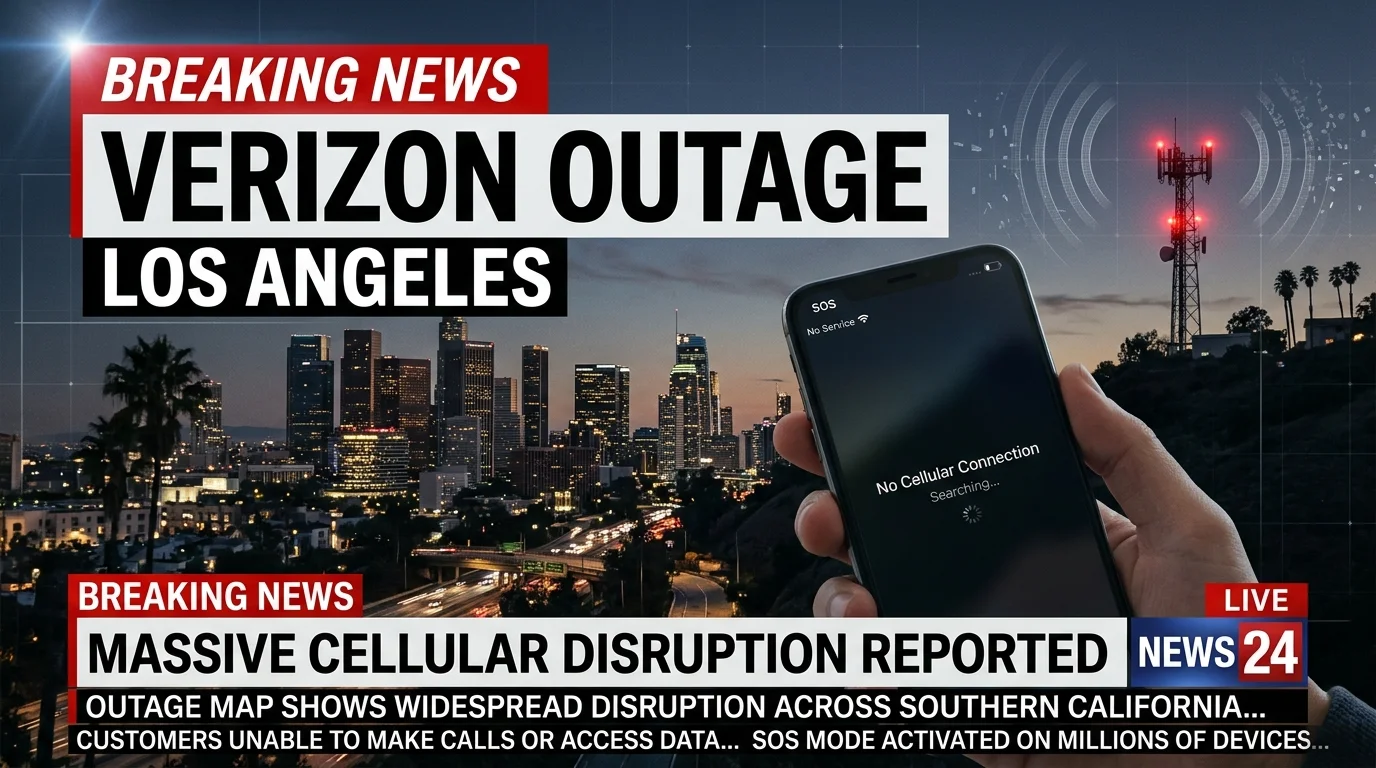
Los Angeles Verizon customers may occasionally see SOS mode, failed calls, or unavailable mobile data. The verizon outage los angeles status checked on November 3, 2026, does not indicate a major citywide incident. Local problems can still affect individual neighborhoods, towers, devices, or accounts.
Quick answer: No widespread Los Angeles Verizon disruption was confirmed when this page was last checked on November 3, 2026. Customers experiencing problems should check Verizon’s official network-status tools first. If Verizon reports no incident, test your phone, cellular connection, SIM or eSIM, and account before resetting network settings.
| What to know | Current information |
|---|---|
| Current Los Angeles status | No major citywide problem confirmed when checked |
| Last checked | November 3, 2026 |
| Official status source | Verizon California outage and network-status tools |
| Common symptoms | SOS mode, failed calls, delayed texts, no mobile data |
| Recent major SoCal incident | August 9, 2026 |
| Cause of that incident | Multiple fiber cables were cut |
| Best first action | Check Verizon status before changing phone settings |
| Temporary alternative | Use reliable Wi-Fi and Wi-Fi Calling when available |
Verizon Outage Los Angeles Status Today
Verizon provides a California outage map for network problems affecting specific locations and ZIP codes. Its status information can change quickly as technicians investigate and restore affected equipment. Checking that source is more useful than assuming every weak signal means a widespread failure.
Independent outage trackers can provide another signal when many customers report problems at once. The trackers checked on November 3 did not show a major Los Angeles-wide disruption. Small clusters of customer reports may still appear without representing a confirmed regional incident.
Your experience can also differ from someone several blocks away. Cellular networks rely on multiple towers, backhaul connections, and local equipment. A problem affecting one site may cause poor service without disrupting the entire Los Angeles area.
How to Check Whether Verizon Is Down in Your Area
Start with Verizon’s official network-status information before changing your phone settings. Verizon says customers can sign into My Verizon to look for a network notification. Its network-status checker can also show recognized problems in your area.
A second source can help confirm whether other customers are seeing similar symptoms. Outage trackers collect user reports and may show a sudden spike around Los Angeles. They should support the official status check, not replace it.
You can also compare service with another Verizon customer nearby. Similar failures on several devices suggest a network problem more strongly than one malfunctioning phone. If only your device is affected, local settings or account problems become more likely.
What Happened During the August 2026 Southern California Outage?
Southern California experienced a significant Verizon service disruption on August 9, 2026. Verizon told local news organizations that vandals had cut multiple fiber cables. The damage affected some wireless and internet customers across the region.
Customers reported missing cellular service and phones entering SOS mode during the incident. Verizon crews and third-party teams worked on the damaged infrastructure during the day. The company reported that service was restored that evening.
The event shows why a phone restart cannot solve every network problem. Fiber infrastructure carries traffic between parts of a telecommunications network. Damage to those connections can affect many customers until physical repairs are completed.
Los Angeles customers also felt the effects of a separate nationwide Verizon disruption in January 2026. The FCC later opened a proceeding examining the January incident and its public-safety effects. That outage lasted at least ten hours and affected millions of customers nationally.
Why Your Verizon Phone May Show SOS in Los Angeles

SOS mode usually means your phone cannot register normally on its regular cellular network. An iPhone may still try to communicate in an emergency through another available network. Seeing SOS doesn’t automatically mean Verizon has a citywide outage.
Coverage can weaken inside parking structures, large buildings, elevators, or other obstructed areas. Temporary tower maintenance can also affect a smaller location. Moving outdoors or several blocks away can help determine whether the issue is location-specific.
Your SIM, eSIM, account, or device software can cause similar symptoms. That is why checking network status comes before advanced troubleshooting. Techanta’s guide on why messages are not sending also explains how cellular and messaging failures can overlap.
What to Do When Verizon Service Stops Working
Try the following actions in order. Stop once your normal service returns.
1. Check Verizon’s official network status. Look for a recognized outage or network notification affecting your location. 2. Turn Wi-Fi off briefly. This confirms whether the phone can connect through Verizon cellular service. 3. Check Airplane Mode. Make sure it is disabled before testing calls, messages, and data. 4. Toggle Airplane Mode once. Leave it on briefly, then turn it off so the phone reconnects. 5. Restart your phone. A restart can clear temporary software or network-registration problems. 6. Move to another location. Test outdoors or away from garages, basements, and heavily obstructed buildings. 7. Test calls, texts, and mobile data separately. One service can fail while another still works. 8. Check your account and line status. Confirm that your Verizon line remains active. 9. Check your SIM or eSIM. An activation or SIM problem can resemble a network outage. 10. Contact Verizon support. Do this when no outage appears and basic troubleshooting does not restore service.
Avoid resetting every network setting at the beginning. A reset cannot repair damaged carrier infrastructure. It can also remove saved Wi-Fi configurations and create unnecessary setup work.
Techanta’s broader guide to preventing common phone issues covers software updates, connectivity habits, and basic device maintenance. Those checks can help when the carrier network appears healthy. They can also rule out unrelated phone problems.
Should You Reset Network Settings?
A network reset can help after simpler steps fail. It restores several connection settings that may have become corrupted or misconfigured. The exact menu location differs between iPhone and Android devices.
Do not use this step while a confirmed carrier incident is still active. Resetting local settings cannot bypass unavailable Verizon infrastructure. Wait for service restoration when Verizon has already acknowledged the problem.
If no carrier issue exists, document your Wi-Fi information before resetting anything. You may need to reconnect to previously saved wireless networks afterward. Restart the device and test cellular service again after the reset finishes.
Can Wi-Fi Calling Help During an Outage?
Wi-Fi Calling may provide an alternative when cellular coverage is unavailable, but your internet connection works. Verizon recommends using Wi-Fi and Wi-Fi Calling during a network outage when possible. The feature must already be supported and properly configured on your device.
A separate internet provider is most useful during a cellular-only disruption. Home internet that depends on the same affected infrastructure may also fail. Testing whether Wi-Fi itself works will tell you whether this option is practical.
Keep emergency communication needs in mind during a serious disruption. Use another working carrier, landline, or available emergency communication method when necessary. Do not rely on repeated phone resets during an urgent situation.
Calls Work, but Texts or Data Do Not
A partial failure can affect one service without disabling everything. Voice, SMS, mobile data, iMessage, RCS, and MMS don’t all use the same delivery methods. That difference explains why a call may work while a photo message fails.
Start by testing a basic phone call and a simple SMS message. Then open a website using cellular data with Wi-Fi disabled. These tests help identify which part of the connection is failing.
For messaging-specific problems, Techanta’s message troubleshooting guide for iPhone and Android covers SMS, MMS, RCS, and iMessage checks. Use those steps after confirming that no broader carrier problem exists. This prevents unnecessary changes to unrelated phone settings.
How Long Do Verizon Outages Usually Last?
There is no fixed restoration time for every incident. Verizon’s California outage information says restoration can sometimes take several hours. Repair time depends on site access, damage, equipment, and the work technicians must complete.
Physical damage can take longer than a temporary software or equipment fault. The August 2026 Southern California incident required repairs to cut fiber cables. Service was restored later that day after crews worked on the damaged connections.
Status estimates can also change while technicians inspect the problem. Check the official network page periodically rather than relying on an early estimate. Avoid treating an unofficial social-media post as a guaranteed restoration time.
How to Prepare for the Next Mobile Network Disruption
Save important contact information somewhere that does not depend entirely on one app. Keep trusted Wi-Fi access available when practical. A charged power bank can also help during longer disruptions.
Set up Wi-Fi Calling before you urgently need it. Review relevant phone settings while your service works normally. Techanta’s iOS security and privacy tips can also help iPhone users review important account and device settings.
Do not disable important emergency notifications while reducing everyday alerts. Techanta’s notification guide explains how to control ordinary app alerts separately. Keeping emergency information available matters when communications are disrupted.
Frequently Asked Questions
Is there a Verizon outage in Los Angeles right now?
The verizon outage los angeles check performed on November 3, 2026, did not identify a confirmed major citywide incident. Conditions can change after this page is updated. Check Verizon’s official network-status service using your current address or account for the latest information.
Why does my Verizon phone say SOS in Los Angeles?
SOS usually means your device cannot connect normally to its cellular network. The cause could involve local coverage, carrier equipment, your SIM, eSIM, or account. Check for a carrier incident before changing advanced device settings.
Was Verizon down in Southern California recently?
Yes, a major Southern California incident occurred on August 9, 2026. Verizon said multiple fiber cables had been cut by vandals. Service was restored later that evening after repair crews worked on the damaged infrastructure.
Does restarting my phone fix a carrier outage?
Restarting can fix temporary device registration or software problems. It cannot repair damaged carrier equipment or severed fiber connections. Check network status first when many nearby customers lose service at the same time.
Can I use Wi-Fi if Verizon cellular service is down?
Yes, a working Wi-Fi network can keep internet-based services available. Wi-Fi Calling may also help when it is supported and configured. This option depends on your Wi-Fi connection remaining operational during the disruption.
Will Verizon automatically reconnect my phone after service returns?
Verizon says devices normally reconnect after network service is restored. Restart the phone if it remains disconnected after the incident has ended. Contact support if other Verizon devices nearby have recovered but yours has not.
What Los Angeles Verizon Customers Should Do Next
Check the official network status before making major changes to your phone. Then test Airplane Mode, restart the device, and compare service with another nearby customer. Move to device or account troubleshooting only when Verizon shows no local network problem.
Bookmark this page if you frequently need a fast status checklist. Techanta will continue covering practical phone, network, and device troubleshooting for U.S. readers. For messaging failures, start with the site’s detailed iPhone and Android messaging guide.