
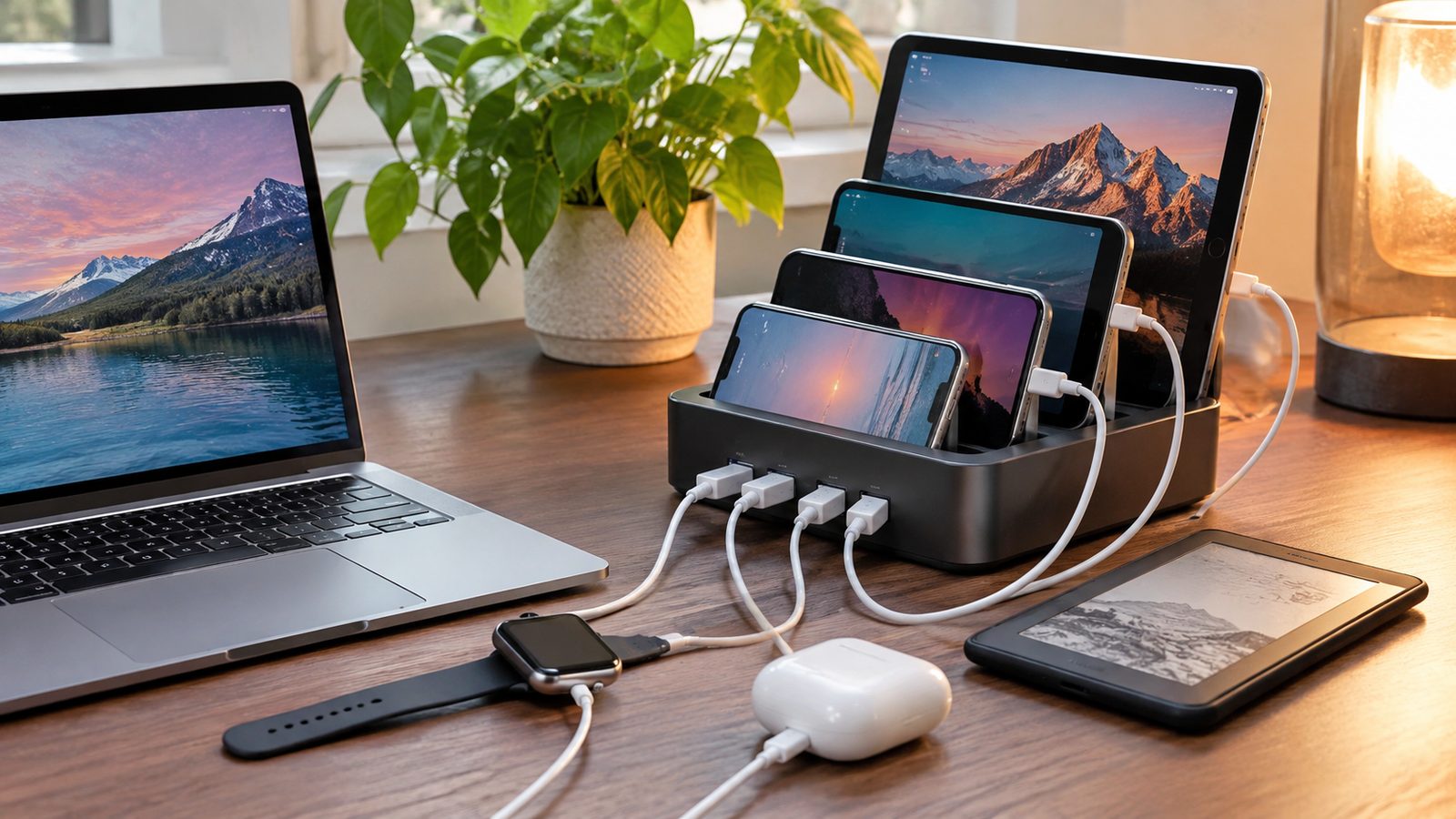
A USB charging station can replace several wall adapters while keeping phones, tablets, earbuds, and laptops together. The right model depends on your devices, required charging speeds, and available desk space. You should compare port output instead of choosing by port count alone. Quick answer: Choose a multi-port charger with enough USB-C ports for your newest devices and USB-A for older accessories. Check both total wattage and each port’s output when several devices connect. For laptops, look for USB-C Power Delivery with enough single-port wattage for your computer.
USB Charger Buying Guide at a Glance
| Feature | What to check | Why it matters |
|---|---|---|
| Total power | Combined wattage | Determines how much power can be shared |
| USB-C ports | PD support and per-port output | Needed for faster modern-device charging |
| USB-A ports | Number and output | Useful for older cables and accessories |
| Laptop support | 45W, 65W, 100W, or higher | Depends on your laptop’s requirements |
| Power sharing | Output with multiple ports active | Prevents unexpected charging slowdowns |
| Safety | Recognized certification and protections | Reduces risks from poor-quality hardware |
| Size | Desktop, wall, dock, or travel design | Affects portability and cable organization |
Key Takeaways
- Match the port count to devices you charge together.
- Prioritize USB-C Power Delivery for newer electronics.
- Check per-port wattage, not only the advertised total.
- Leave spare power capacity for devices added later.
- Buy from a reputable manufacturer or retailer.
- Use compatible, undamaged charging cables.
- Choose the physical design for your desk or travel routine.
What Does a Multi-Port Charger Do?
A multi-port charger converts household AC power into the DC power required by portable electronics. It then distributes available power across several USB outputs. Modern versions may negotiate different charging levels with compatible devices. This setup can reduce the number of separate adapters occupying your outlets. It also gives phones, tablets, watches, and headphones a consistent charging location. Families and shared offices may find that organization especially useful. USB Power Delivery adds more flexibility for compatible USB-C equipment. USB-IF says current USB PD specifications can support power levels reaching 240W under appropriate configurations. Your charger, cable, and connected equipment must support the required standard for those higher levels.
Types of USB Chargers Compared
Different designs solve different charging problems. A compact wall unit suits travel differently from a desktop unit with six ports. Consider where the charger will spend most of its time before comparing specifications.
| Type | Good fit for | Main advantage | Main limitation |
|---|---|---|---|
| Multi-port wall charger | Travel or small spaces | Compact design | Ports sit close to the outlet |
| Desktop GaN charger | Workstations and laptops | High power in a compact body | Usually costs more |
| Organizer dock | Families and nightstands | Holds devices and manages cables | Often less portable |
| USB power strip | Offices and mixed equipment | Adds USB and AC outlets | Larger footprint |
| Travel adapter with USB | International trips | Combines plug adaptation and charging | Power varies considerably |
For most U.S. desks, a desktop USB-C charger offers the strongest balance of convenience and charging power. Families may prefer an organizer with designated spaces for each device. Travelers should prioritize size, input-voltage compatibility, and destination plug requirements. Techanta’s guide to international travel adapters for U.S. travelers covers that final category in more detail. A travel adapter and a desktop charger solve different electrical problems. Check both plug compatibility and voltage requirements before an overseas trip.
How to Choose a USB Charging Station: 7 Things to Check
1. Count the Devices You Charge Together
Start with devices that regularly need power at the same time. Your list might include a phone, tablet, smartwatch, earbuds, and work laptop. Buying one or two spare ports can also accommodate future accessories. Port count alone does not reveal charging performance. A ten-port unit with modest total power may charge slowly under a full load. A smaller charger can perform better when its available wattage matches your devices.
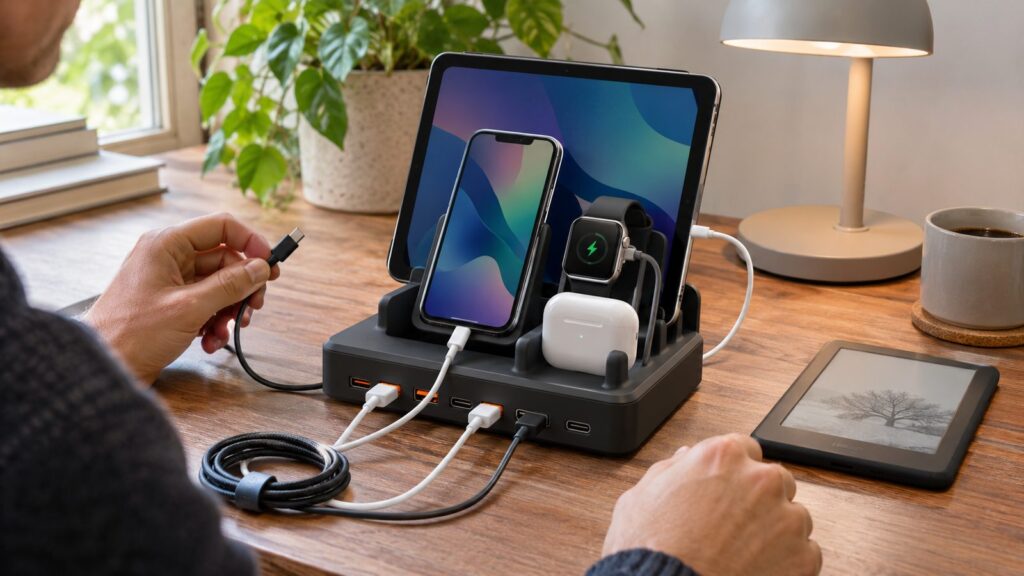
2. Choose the Right USB-C and USB-A Mix
USB-C has become the preferred connector for many current phones, tablets, laptops, and accessories. USB-A remains useful for older cables, keyboards, lights, and small electronics. A mixed-port design can support both generations without extra adapters. USB-C also supports USB Power Delivery on compatible products. That capability can provide substantially more charging power than traditional low-power USB connections. Still, the presence of a USB-C socket does not guarantee a particular charging speed. Older USB accessories can remain useful beside modern hardware. Techanta’s explanation of coiled keyboard cables and USB connector choices shows how mixed connector types remain common. Review the plugs already attached to your equipment before replacing cables.
3. Calculate How Much Wattage You Need
Your largest device should guide the minimum single-port output. Phones often need less power than tablets, while laptops can require much more. Check the manufacturer’s recommended charger rating for every demanding device. A laptop that expects 65W should have access to a suitable USB-C output. Buying a 100W charger does not mean every connected device receives 100W. The listed total usually represents power available across the whole unit. Tablets sit between phones and many laptops in typical power demands. If a tablet is central to your setup, review its original charger specifications first. Techanta’s tablet buying guide also explains why battery life matters when choosing portable devices.
4. Check Power Allocation With Several Ports Active
Power sharing is one of the easiest specifications to overlook. A port may offer its maximum output only when used alone. Connecting another device can change the allocation between ports. Look for an output table in the manufacturer’s specifications. It should explain what happens with two, three, or more active connections. This information matters more than a large wattage number printed prominently on the box. Concurrent output matters more than headline wattage alone. Checking it helps you estimate real charging performance before buying. It becomes especially important when two laptops must charge together.
5. Look for Credible Safety Information
Chargers connect valuable electronics directly to household electrical power. Buy from reputable sellers and look for recognized safety testing appropriate to the U.S. market. Avoid products with unclear manufacturers, questionable markings, or missing electrical specifications. CPSC has documented hazards involving poorly evaluated AC and USB chargers, including overheating, fire, and electric shock. Its work has highlighted concerns around products lacking appropriate third-party safety evaluation. Certification markings should also be genuine rather than simply printed on a product. Inspect your charger and cables regularly once they are in service. Stop using equipment with damaged insulation, loose connectors, scorch marks, or abnormal heat. Keep charging hardware uncovered so heat can escape during normal operation.
6. Include the Cost of Good Cables
A capable charger cannot overcome a cable that lacks the required power rating. High-output USB-C charging depends on compatible equipment throughout the connection. Check cable specifications when charging laptops or other demanding electronics. Shorter cables can keep a desktop setup tidy. Longer cables offer flexibility when outlets sit behind furniture or under desks. Replace any cable showing fraying, bent connectors, or intermittent charging.
7. Pick a Design That Fits the Location
Desktop models work well when several devices stay near one workstation. Wall-mounted chargers save surface space but may create cable clutter around the outlet. Organizer docks trade portability for cleaner storage. Travel models should be light enough to pack without sacrificing needed output. Families may value stable bases, labeled cables, and individual device slots instead. Your normal charging routine should determine the design. For more device and accessory coverage, Techanta’s Gadgets and Apps section provides related technology guides. Keeping compatible accessories together can make future upgrades easier. It also helps you identify which older cables still need USB-A support.
Recommended Setup for Common Uses
| Situation | Suggested configuration | Why |
|---|---|---|
| Phone and earbuds | 2–3 ports with USB-C | Small and simple |
| Family charging area | 6+ mixed ports | Handles several personal devices |
| Home office | 100W+ class with strong USB-C output | Better suited to laptops and phones |
| Two laptop users | High-output multi-port USB-C model | Allows more concurrent power |
| Frequent traveler | Compact GaN charger or travel adapter | Saves bag space |
| Older accessories | USB-C plus USB-A mix | Avoids replacing every cable |
For a typical home office, choose enough power for the laptop first. Then reserve suitable ports for the phone, tablet, and smaller accessories. This approach avoids paying for unused ports while protecting important charging capacity. A household hub should prioritize device count and organization instead. Six lower-power devices have different needs from two high-power laptops. There is no useful universal wattage target for every household.
USB Charger, Power Strip, or Wireless Dock?
A USB charger is usually the most efficient choice when several devices charge through cables. A power strip makes more sense when you also need conventional AC outlets. A wireless dock suits compatible phones, watches, and earbuds that stay in one location.
| Option | USB devices | AC devices | Wireless devices | Laptop suitability |
|---|---|---|---|---|
| Multi-port USB charger | Strong | No | Usually no | Strong with sufficient PD |
| USB power strip | Strong | Strong | Sometimes | Depends on USB-C output |
| Wireless dock | Limited | No | Strong | Usually poor |
| Basic power strip | Requires adapters | Strong | Requires adapters | Depends on separate charger |
Many people benefit from combining technologies instead of forcing one product to handle everything. A high-output USB charger can serve computers and phones during work. A small wireless dock can then handle a phone and watch overnight.
Frequently Asked Questions
How many watts should a USB charging station have?
The required wattage depends on what you connect simultaneously. Phones and small accessories need less total power than laptop-heavy workstations. Check the largest device first, then allow enough shared capacity for everything else.
Can one charger safely power several devices?
Yes, a properly designed charger can distribute power among several compatible devices. Modern charging systems negotiate supported power levels instead of forcing maximum output into every connection. Use reputable hardware, suitable cables, and the manufacturer’s operating instructions.
Does USB-C always mean fast charging?
No, USB-C describes a connector rather than one guaranteed power level. Charging speed depends on the charger, cable, connected device, and supported charging protocol. Check the published wattage and Power Delivery support before buying.
Can a multi-port charger power a laptop?
Many modern USB-C models can charge compatible laptops. The selected port must provide enough Power Delivery wattage for that computer. Performance can drop if the unit reallocates power after other devices connect.
Is a 200W charger faster than a 100W charger?
Not necessarily for a single device. A phone cannot use extra power beyond the charging level it supports. Higher total output becomes useful when several demanding devices charge together.
Should I leave a charger plugged in overnight?
Conservative electrical-safety guidance recommends avoiding unattended or overnight charging. Keep chargers uncovered, ventilated, and away from liquids or heat sources. Follow the instructions supplied with your specific product.
Choose Around Your Devices, Not the Biggest Number
The smartest USB charging station purchase starts with your devices rather than an impressive wattage label. Count what charges together, identify the highest-power device, and inspect the unit’s power-allocation table. Then confirm the port mix, cable requirements, safety information, and physical design. For most modern U.S. households, USB-C Power Delivery deserves priority while some USB-A ports remain useful. Laptop users should focus closely on single-port output and shared power. Families should give equal attention to port count and cable organization. Choose a charger that matches your real routine and leaves modest room for future devices. That approach can reduce cable clutter without sacrificing useful charging performance. It also gives every frequently used device a predictable place to recharge. —


